


Build your website easily with our WordPress website builder! Whether you’re a beginner or an expert, our intuitive drag-and-drop interface helps you create a professional WordPress site in minutes. Customize themes, add powerful plugins, and optimize for SEO effortlessly. Perfect for businesses, blogs, and e-commerce, our WordPress website builder ensures a smooth experience from start to finish
1. Elementor
– Overview: elementor One of the most popular and powerful page builders. It offers a drag-and-drop interface with numerous design elements and templates.
– Features:
– Visual live editor.
– Large template library.
– Responsive design tools.
– Advanced styling and animation features.
– Theme builder and popup builder included.
2. Beaver Builder
– Overview: A beaver builder is user-friendly and robust page builder that offers a frontend visual editor with drag-and-drop functionality.

– Features:
– Easy-to-use interface.
– Compatible with almost any theme.
– Responsive and mobile-friendly designs.
– Template and module library.
– WooCommerce support.
3. Divi Builder
– Overview: Part of the Elegant Themes suite, Divi Builder is known for its flexibility and deep customization options.
– Features:
– Visual builder with drag-and-drop interface.
– Advanced design settings.
– Global elements and styles.
– In-line text editing.
– Access to Elegant Themes’ full suite with a membership.

4. WPBakery Page Builder (formerly Visual Composer)

– Overview: A widely-used builder with a rich set of design options, often bundled with premium themes.
– Features:
– Frontend and backend editors.
– Pre-designed templates.
– Element library with drag-and-drop functionality.
– WooCommerce integration.
– Easy-to-use grid builder.
5. Thrive Architect
– Overview: A conversion-focused page builder that integrates well with marketing tools, ideal for creating landing pages.
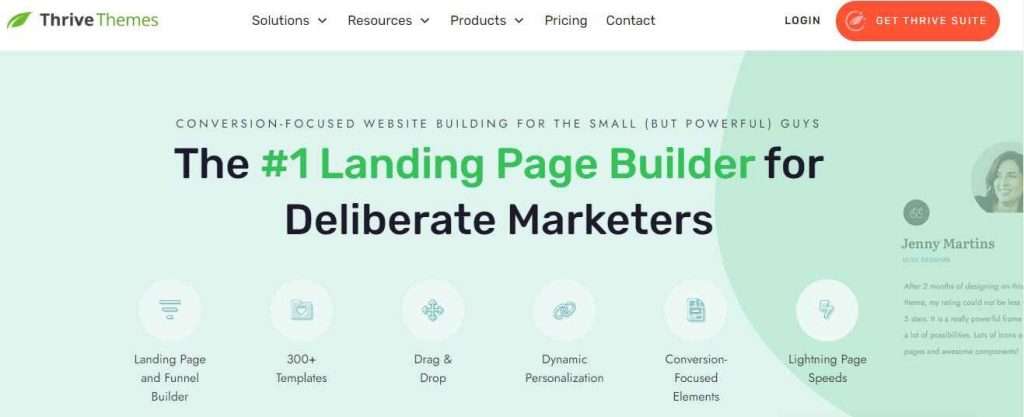
– Features:
– Real-time visual editor.
– Pre-designed conversion-focused templates.
– Integration with email marketing services.
– Mobile-responsive editing.
– Dynamic content options.
6. Oxygen Builder
– Overview: A powerful builder designed for developers and advanced users, offering more control over design and code.

– Features:
– Full visual site-building capability.
– Code editing for advanced customization.
– Lightweight and optimized for speed.
– Flexbox and CSS grid support.
– WooCommerce builder included.
7. Brizy
– Overview: A relatively newer and intuitive builder with a drag-and-drop editor that simplifies website creation.

– Features:
– Easy-to-use interface.
– Pre-made design blocks.
– Global styling options.
– Responsive controls.
– Cloud hosting option for easier deployment.
8. SiteOrigin Page Builder
– Overview: A lightweight and free page builder that offers basic drag-and-drop capabilities and is highly compatible with WordPress themes.
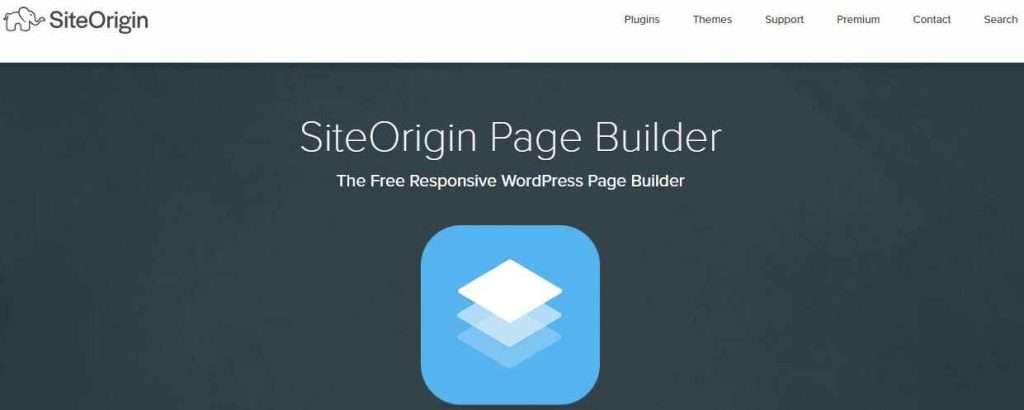
– Features:
– Simple and intuitive layout.
– Responsive design capabilities.
– Works well with widgets.
– Add-on bundle for extended functionality.
– Lightweight and performance-focused.
9. SeedProd
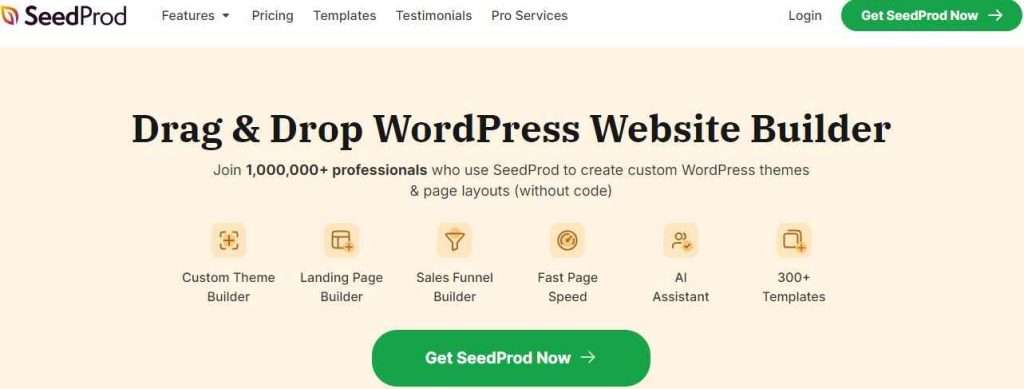
– Overview: Primarily designed for building landing pages, coming soon pages, and maintenance pages.
– Features:
– Drag-and-drop editor.
– Templates specifically for landing and sales pages.
– Integration with marketing tools.
– Responsive and mobile-friendly.
– WooCommerce support for product pages.
10. Gutenberg (WordPress Block Editor)
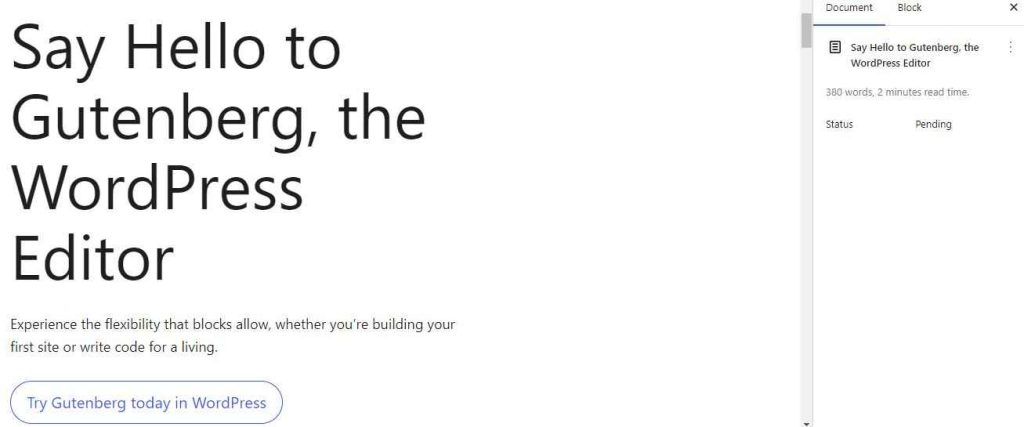
– Overview: The default WordPress editor that uses blocks to build pages. It’s integrated into WordPress and free to use.
– Features:
– Block-based page-building system.
– Wide range of core blocks and third-party block plugins.
– Easy media and content management.
– Lightweight and optimized for performance.
– Full compatibility with WordPress themes.
Each of these page builders offers unique strengths, so the best choice depends on your needs, level of expertise, and preferences for design and functionality.
Conclusion
In summary, for beginners up to advanced developers WordPress website builders offer flexible and empowered resolutions. Elementor, Divi, and Beaver Builder provide drag-and-drop interfaces for a wide array of design elements that non-coders can use to easily build custom websites with professional quality. Those builders work well inside WordPress and the wide array of plugins that extend functionality such as e-commerce, SEO or more. Depending on what you are looking for in terms of design layout, money and integrations with the aforementioned tools will determine which WordPress builder is to use. However, any of these top builders can help get that high-quality tailored website made just how your business needs.